Required
Use an encrypted connection and confirm the address begins with HTTPS.
Avoid public or untrusted networks when handling private footage.
Safety guide
is online video cutter safe depends on how the service handles uploads, storage, processing, and deletion. Use this practical guide to check the boundaries before you edit a personal or sensitive video.
The short answer
Online editing is not automatically unsafe, but it is never risk-free. These three facts explain what to verify before uploading a clip.
PrivacyA secure connection protects data in transit, but it does not prove that uploaded files are deleted immediately.
Clear expectations
An online video cutter is a web service that accepts a video, performs a trim or export operation, and returns a result through your browser.
A browser lock icon shows that the connection is encrypted, not that the provider will never retain or inspect your upload.
WorkaroundRead the service's privacy and deletion terms before uploading confidential footage.
A file may exist briefly in server storage, backups, logs, or temporary processing systems even after the result is downloaded.
WorkaroundUse a local editor for legal, medical, financial, workplace, or unreleased material.
The tool may cut the file correctly while revealing faces, addresses, screens, conversations, or metadata that you did not intend to share.
WorkaroundReview the clip and remove sensitive sections before upload.
Before uploading
Treat these checks as requirements, not decoration. The more sensitive the footage, the more important each condition becomes.
Avoid public or untrusted networks when handling private footage.
Look for a stated deletion window rather than assuming files disappear after export.
Minimize what the service receives.
Keep a secure local copy until the export is confirmed.
Trust signals
A trustworthy workflow is visible in its details. Look for concrete controls instead of relying only on broad claims about security.
HTTPS helps protect the upload while it travels between your browser and the service. It is an important baseline, not a complete privacy promise.
A useful policy says what happens to source files, edited files, thumbnails, and backups, including when automatic deletion occurs.
Download the result promptly, keep it in a secure location, and avoid uploading more footage than the trim actually requires.
Choose by sensitivity
The right choice depends less on the size of the edit and more on the consequences if someone else accessed the source.
1
Use a local video cutter that processes the file on your own device.
Local processing keeps the source out of a third-party upload workflow and gives you clearer control over copies.
2
An online video cutter can be reasonable after you check HTTPS, retention, and deletion terms.
The exposure is lower, and a short trim may not justify installing or learning a larger editor.
3
Do not upload the original; create a sanitized copy or choose another tool.
Unknown retention and access rules are themselves a meaningful safety warning.
Reduce exposure

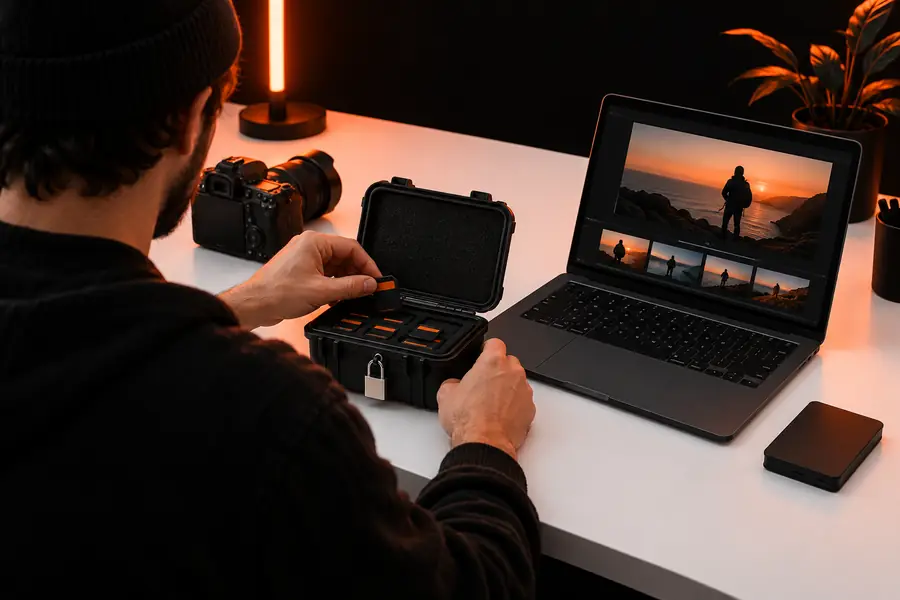
Trim only after removing details you do not need to share. A shorter file reduces exposure, but it does not replace checking the service's upload and deletion policy.
Make the careful choice
Use an online video cutter for low-risk footage when its handling rules are clear. For sensitive material, keep the source local and treat privacy as a requirement rather than a feature claim.
Safety FAQ
It can be safe for ordinary, non-sensitive footage when the connection is encrypted and the service clearly explains storage and deletion. Safety is not automatic, so check how uploads are processed before sending a file.
Only when you are comfortable with the provider's handling rules and the video does not create serious privacy or legal risk. For highly private footage, local editing is the safer default because the source stays on your device.
It may retain the source temporarily for processing, delivery, troubleshooting, or backups. Do not assume that downloading the result deletes the original; look for a specific retention and deletion policy.
Use HTTPS, upload only the section or copy you need, remove identifying details, and download the result to a secure location. Avoid public networks and do not upload confidential footage when the service's data practices are unclear.